No idea goesunanswered.
In ITS, every idea has a status, a deadline and a next step that the person who sent it can see. Every change is recorded: who did it, when and why.
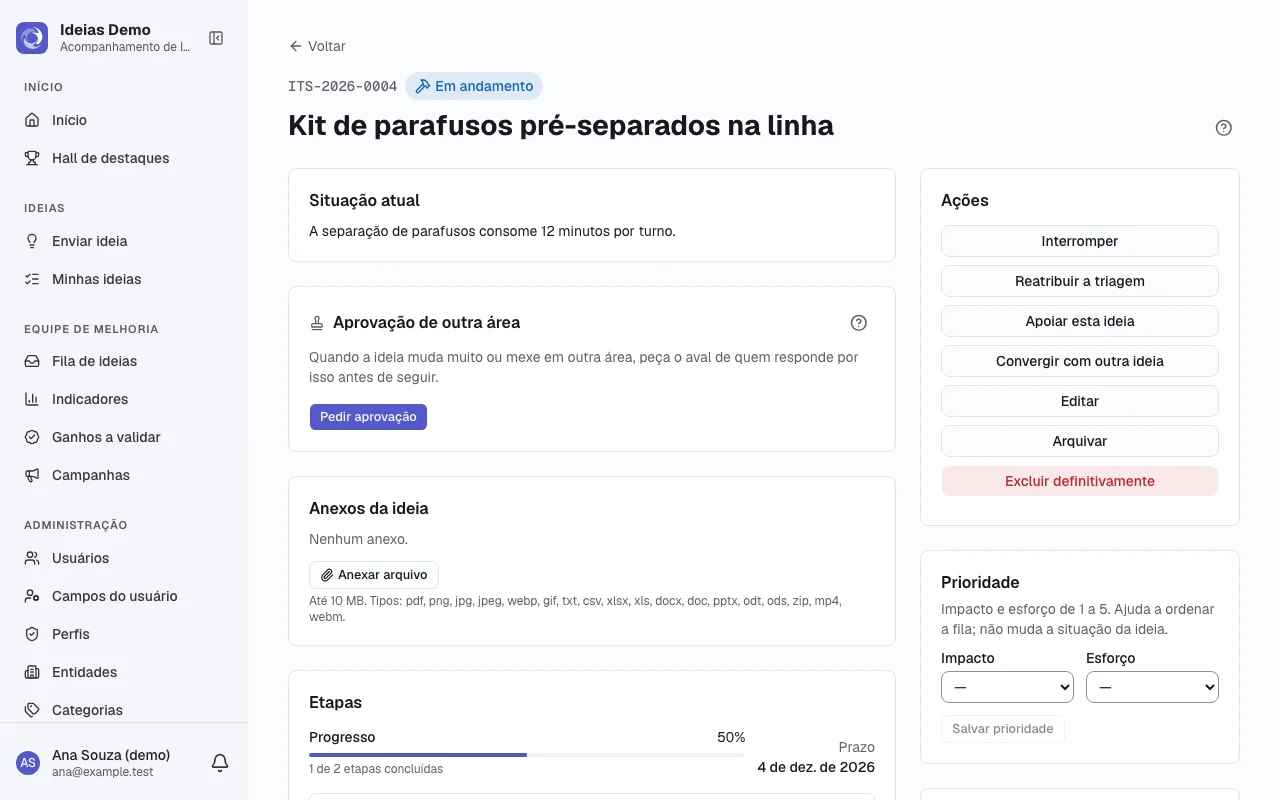
ITS-2026-0042
Screw kit pre-sorted on the line
Example with fictitious data.
Carla Dias submitted the idea
From her phone, in Machining
Bruno Lima took over triage
Response deadline: 11/13
Approved, with 3 steps
"Saves 12 minutes per shift on sorting"
Step 1 completed
Kits assembled for line 1
Step 2 in progress
Trial on line 3, due 12/04
- your turn
docker compose up -d
From submission to results, in plain sight of the author
- Submitted
Submit
Any employee submits an idea, from a phone or a computer, in a few fields.
- In review
Triage
The improvement team reviews it within a response deadline, merges similar ideas and decides. If they reject it, they tell the author why.
- In progress
Run
The approved idea becomes steps with an owner and a deadline. The author sees the progress and the next step.
- Implemented
Recognize
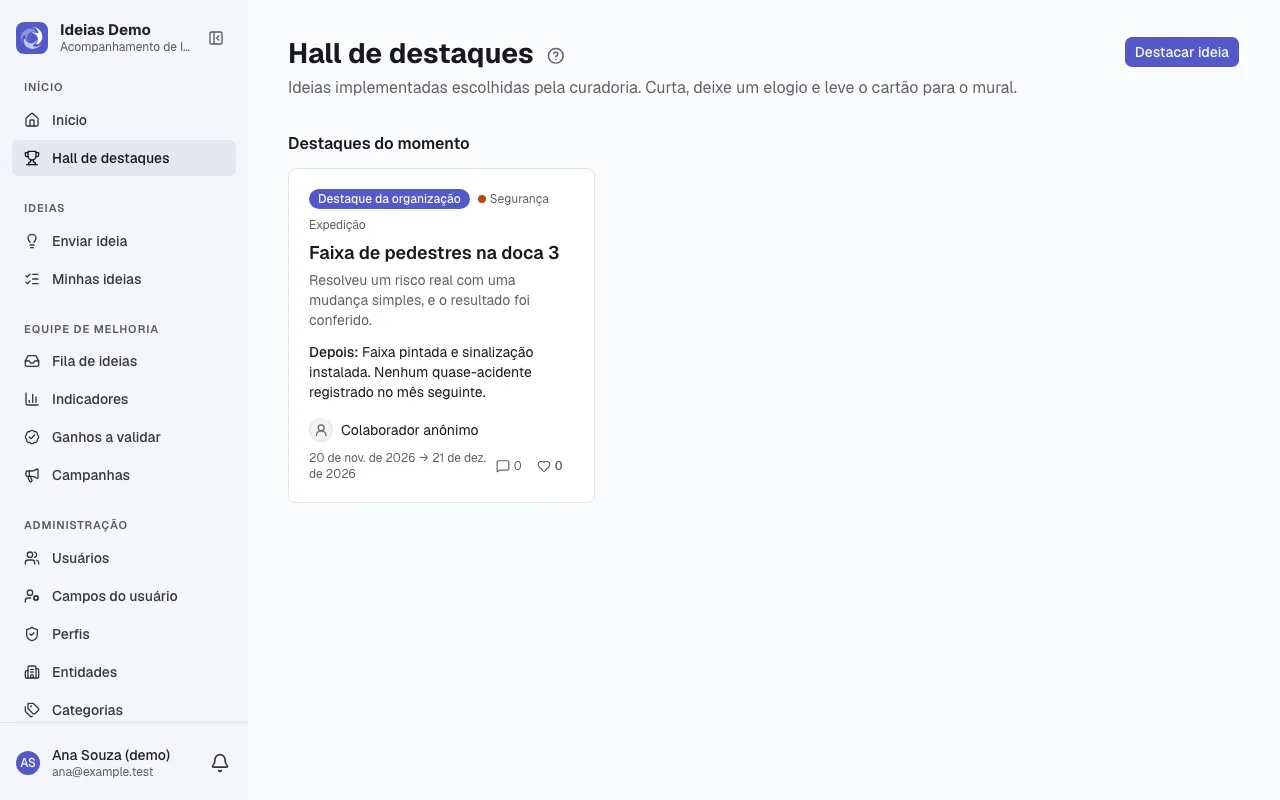
The gain is validated, and the best ideas go to the Hall of fame, with the consent of whoever appears.
Built for whoever runs an ideas program
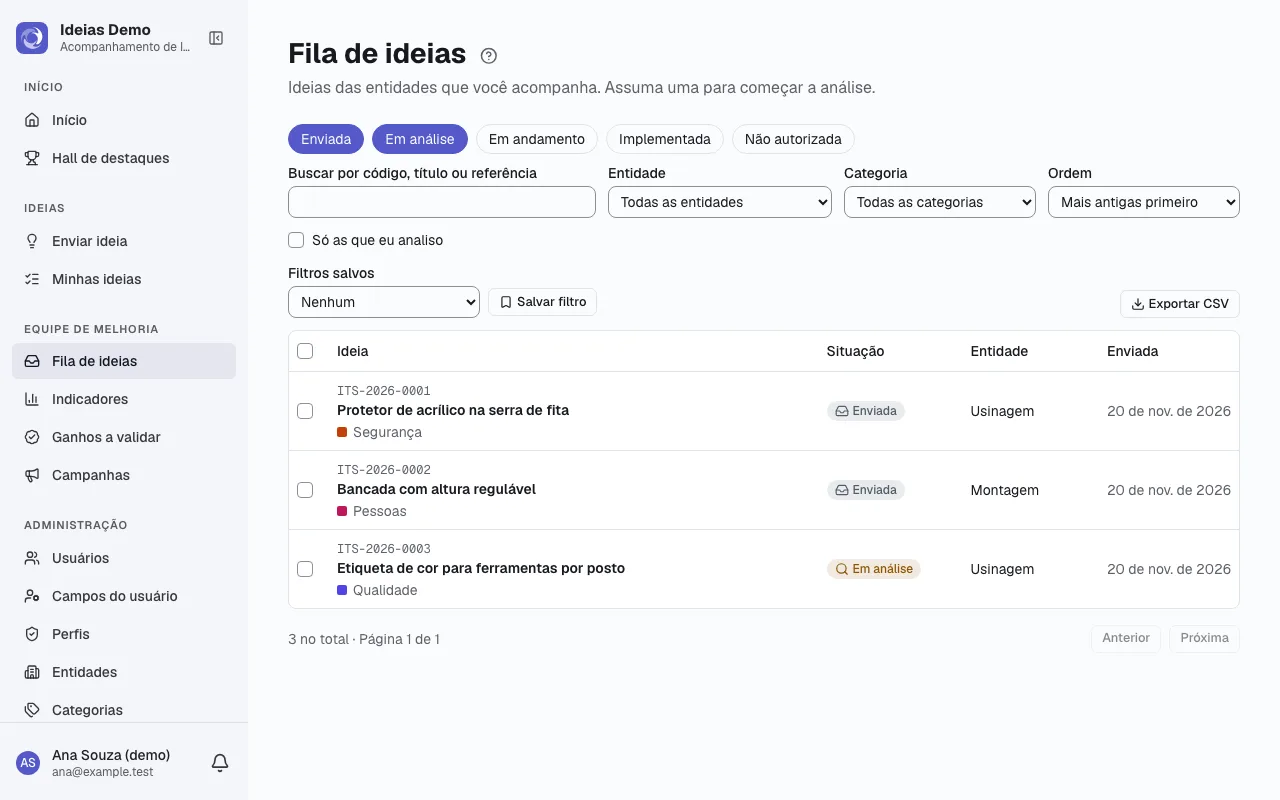
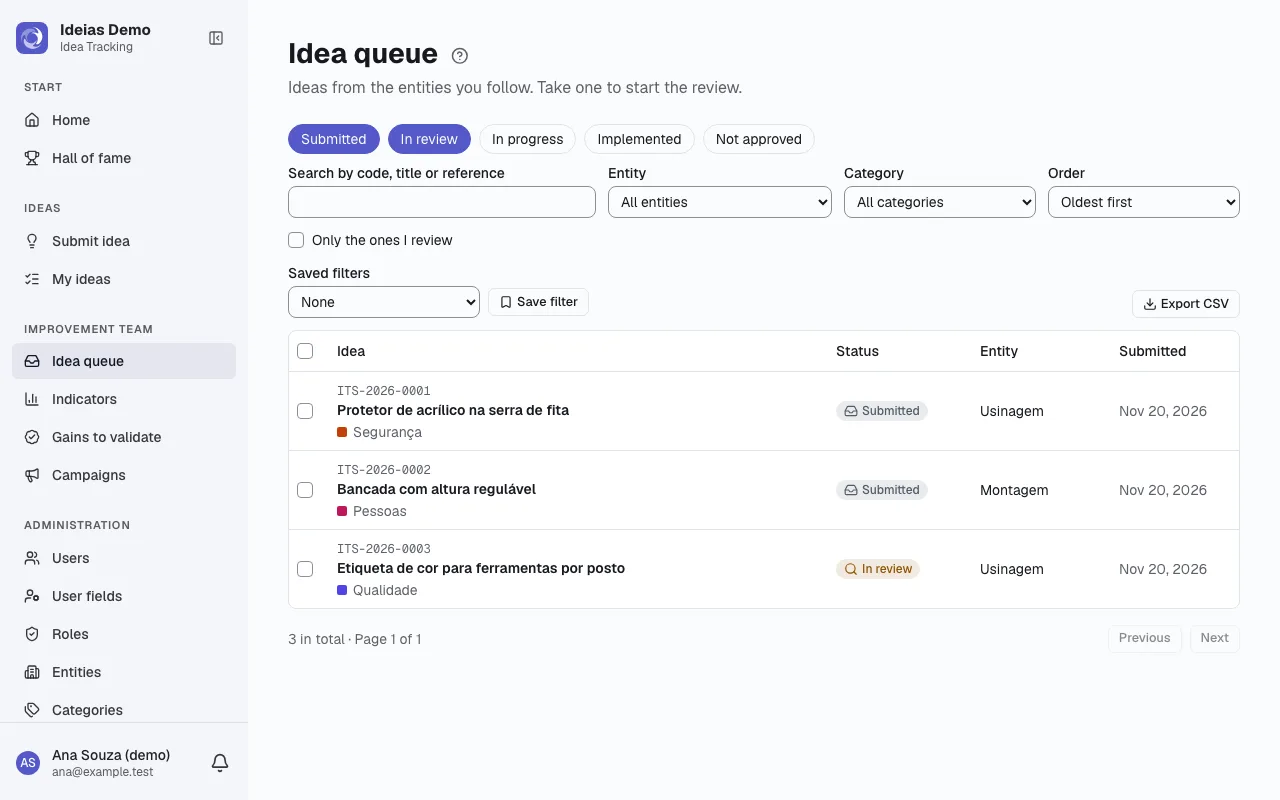
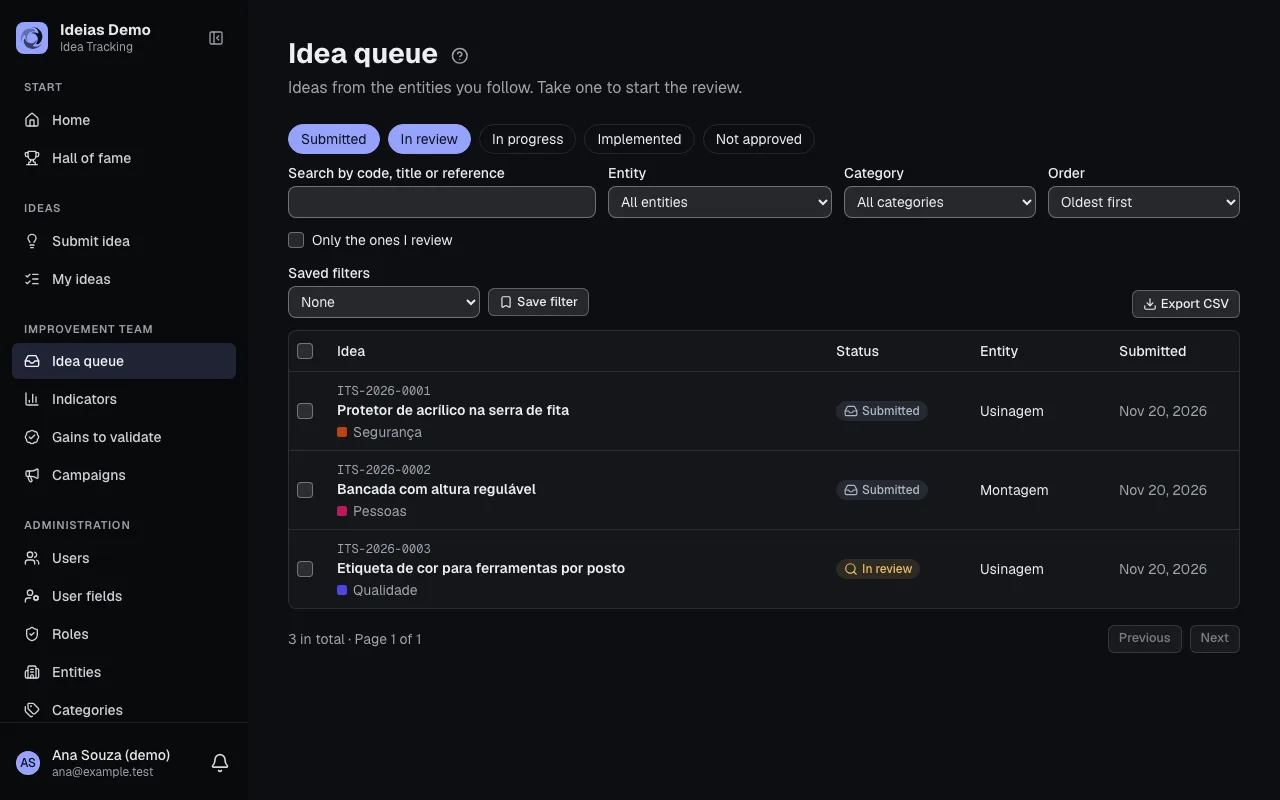
Queue and triage
Every new idea lands in a queue with a response deadline, filters and bulk actions.
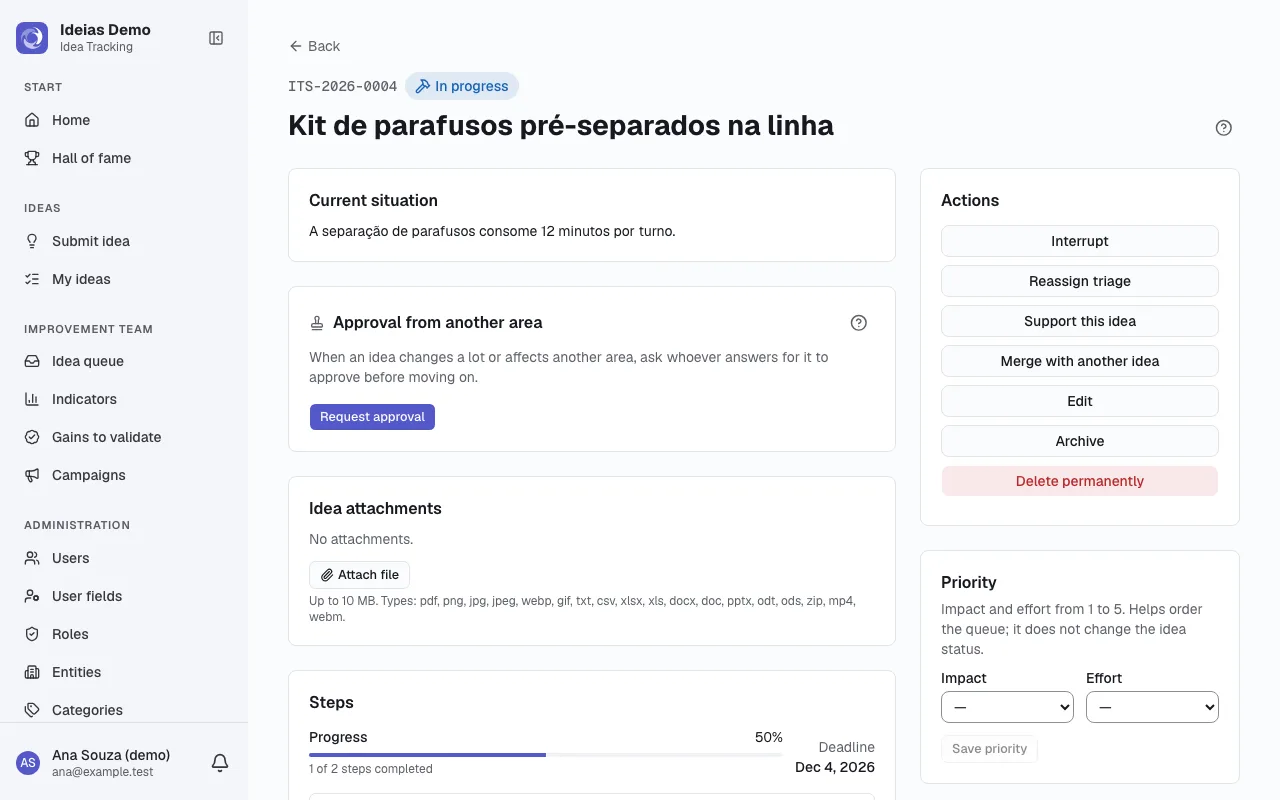
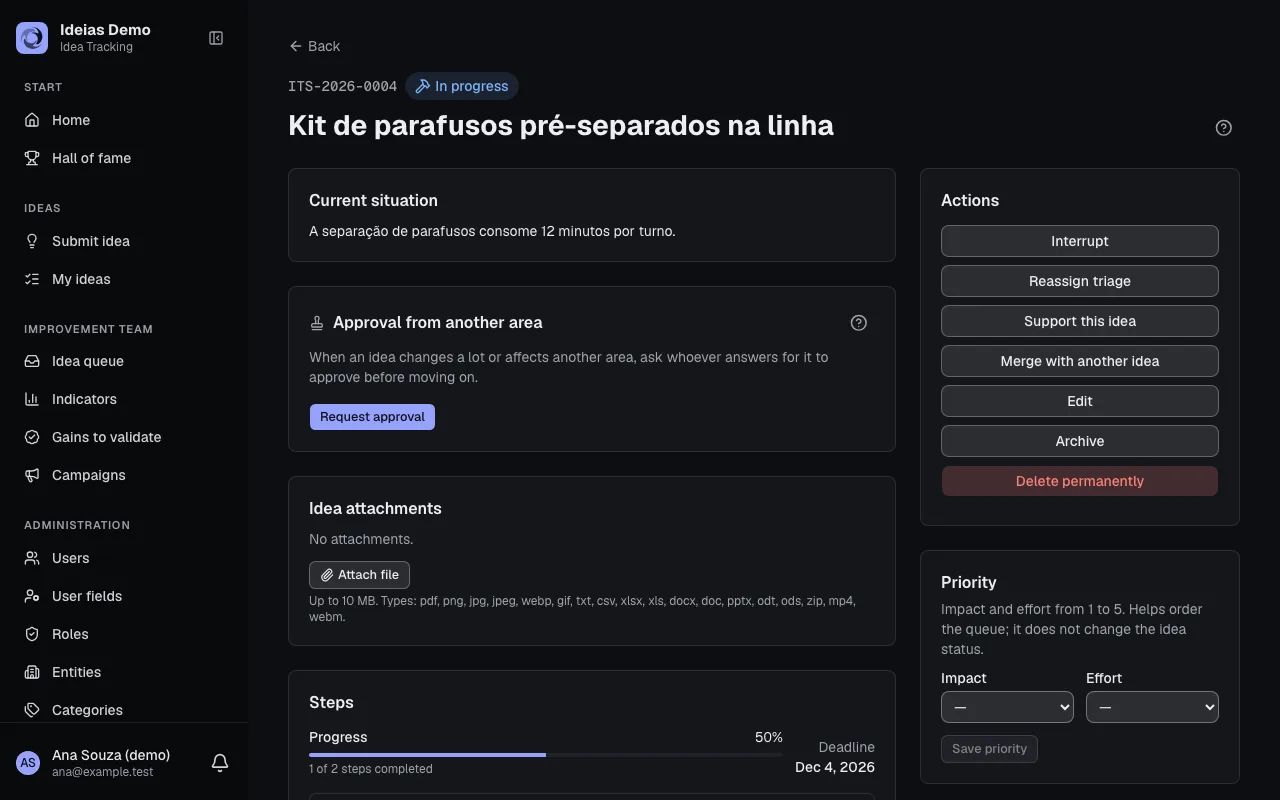
Every idea with its history
Steps, owners, deadlines, comments and everything that changed, on a single page.
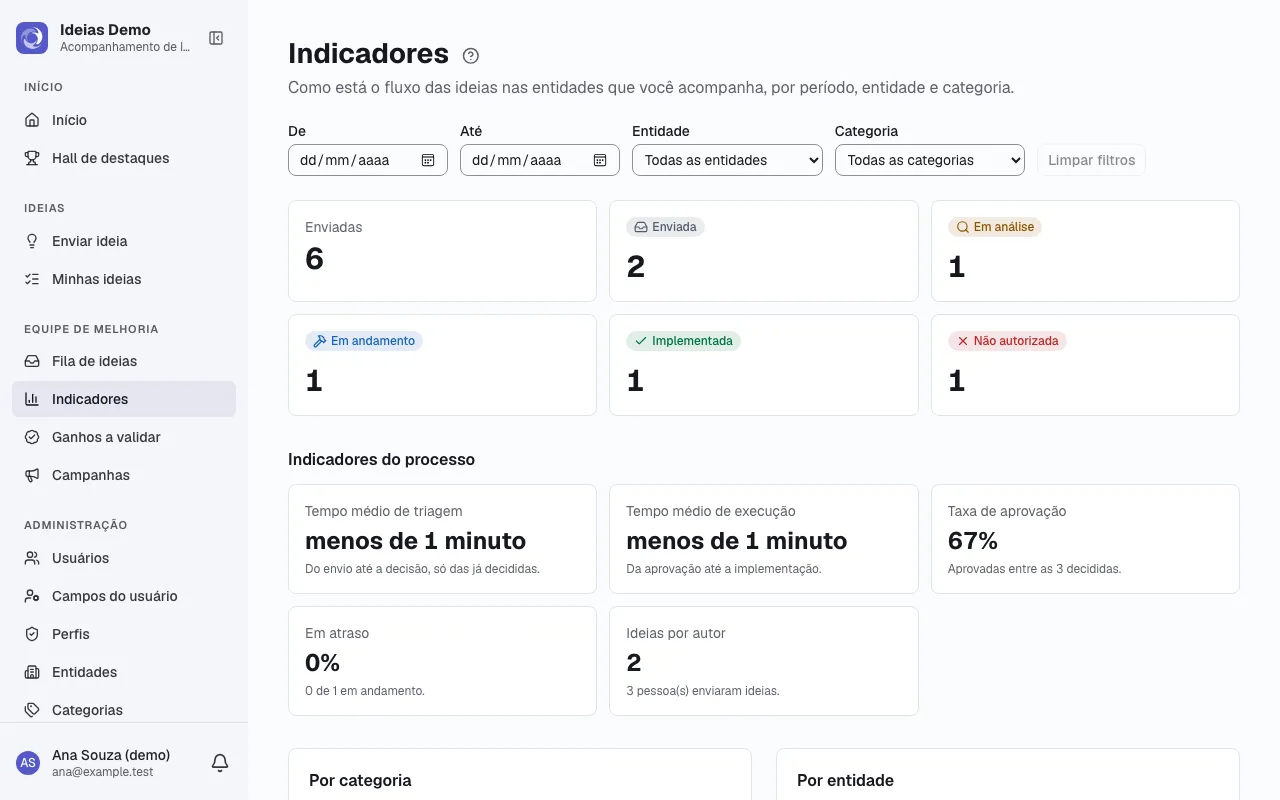
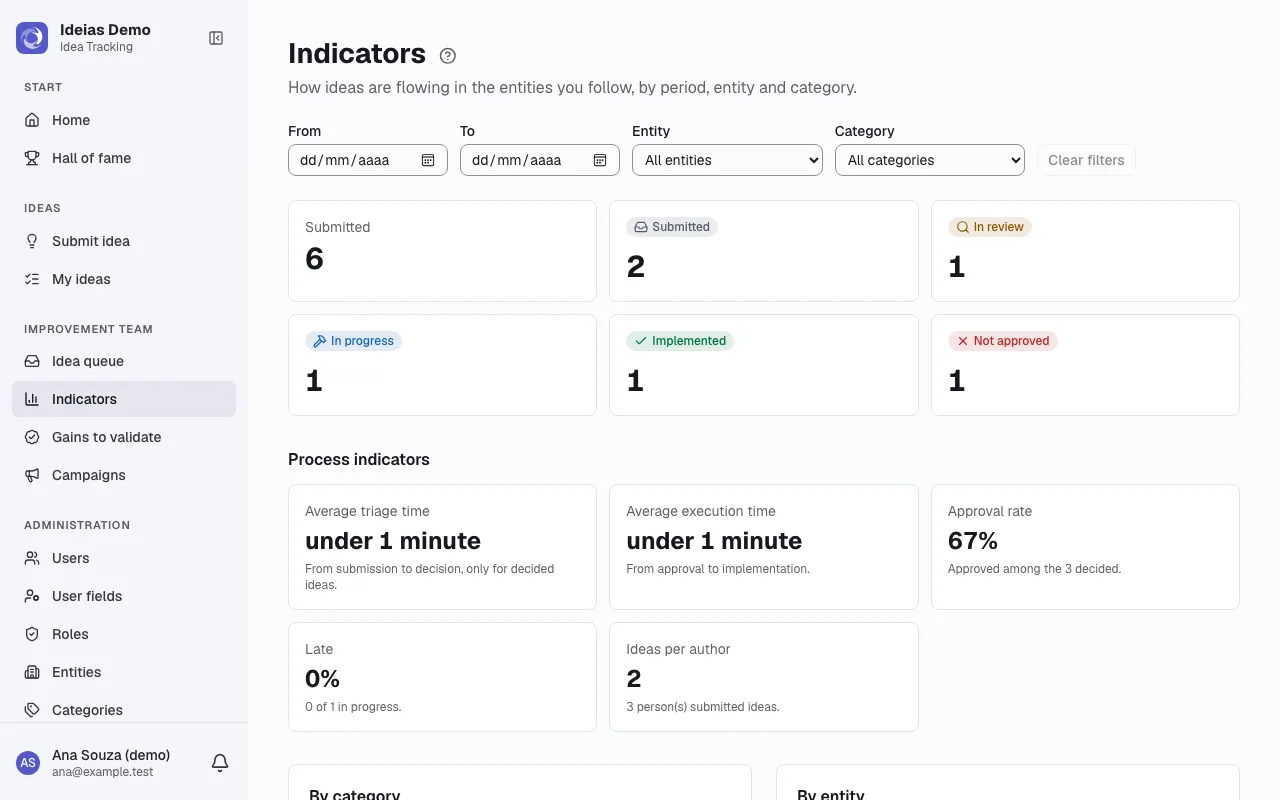
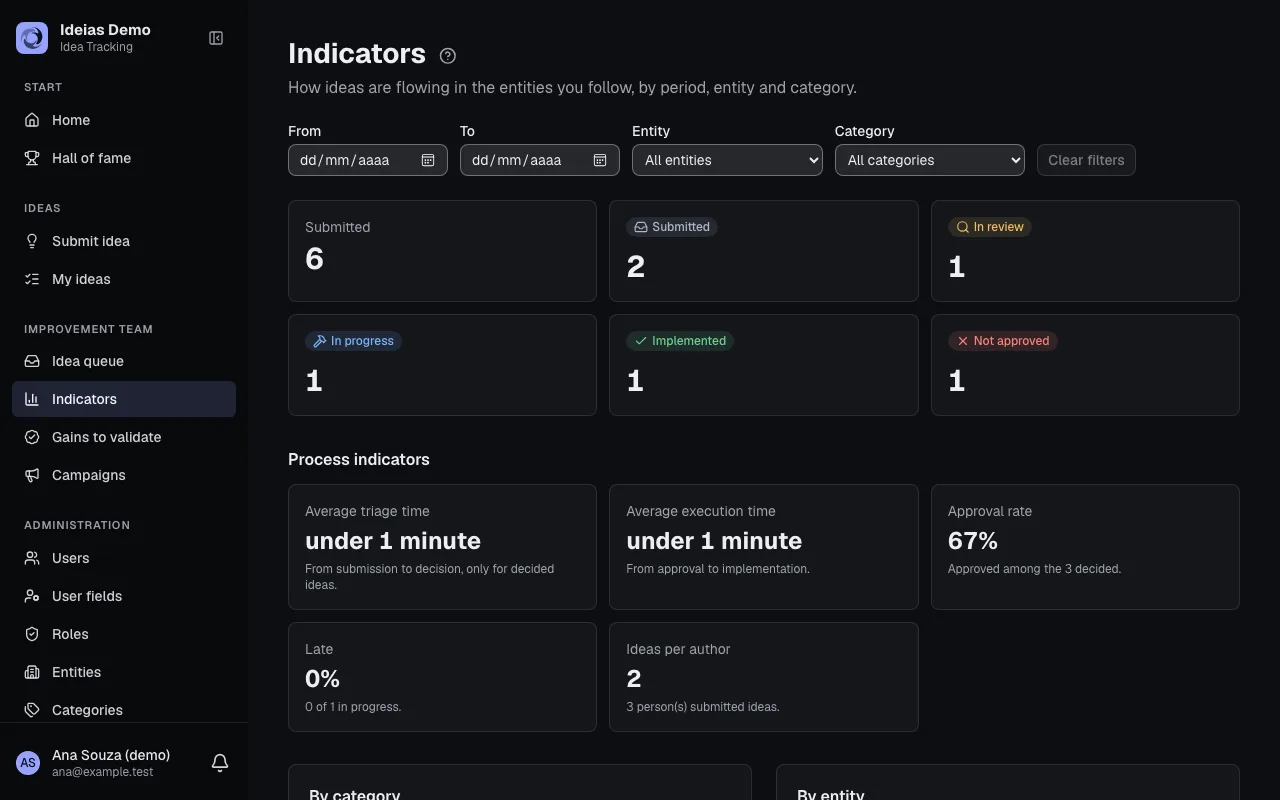
Indicators and reports
Ideas by status, triage and execution time, participation and gains, by area and period, with CSV and PDF export.
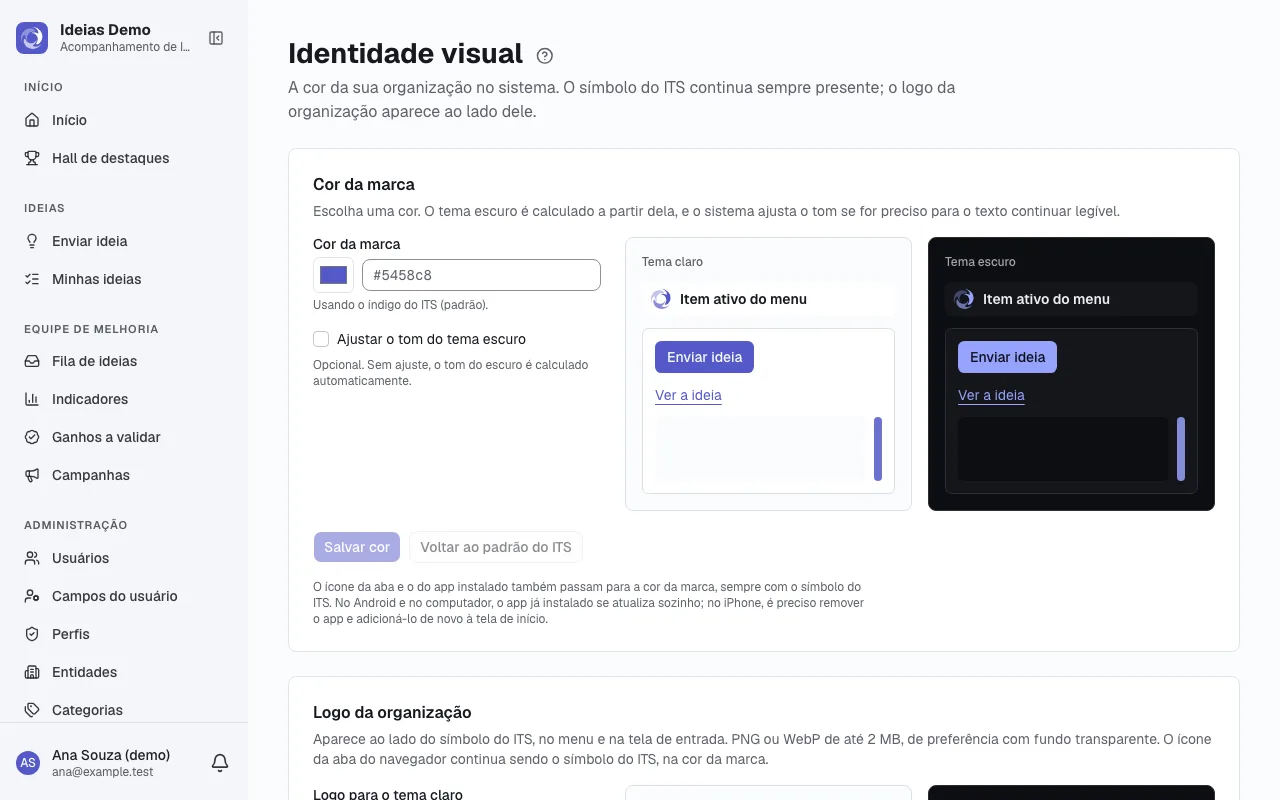
Your organization, your way
Units and areas in a tree, roles with permissions, your brand, custom user fields and sign-in with Microsoft or Google.
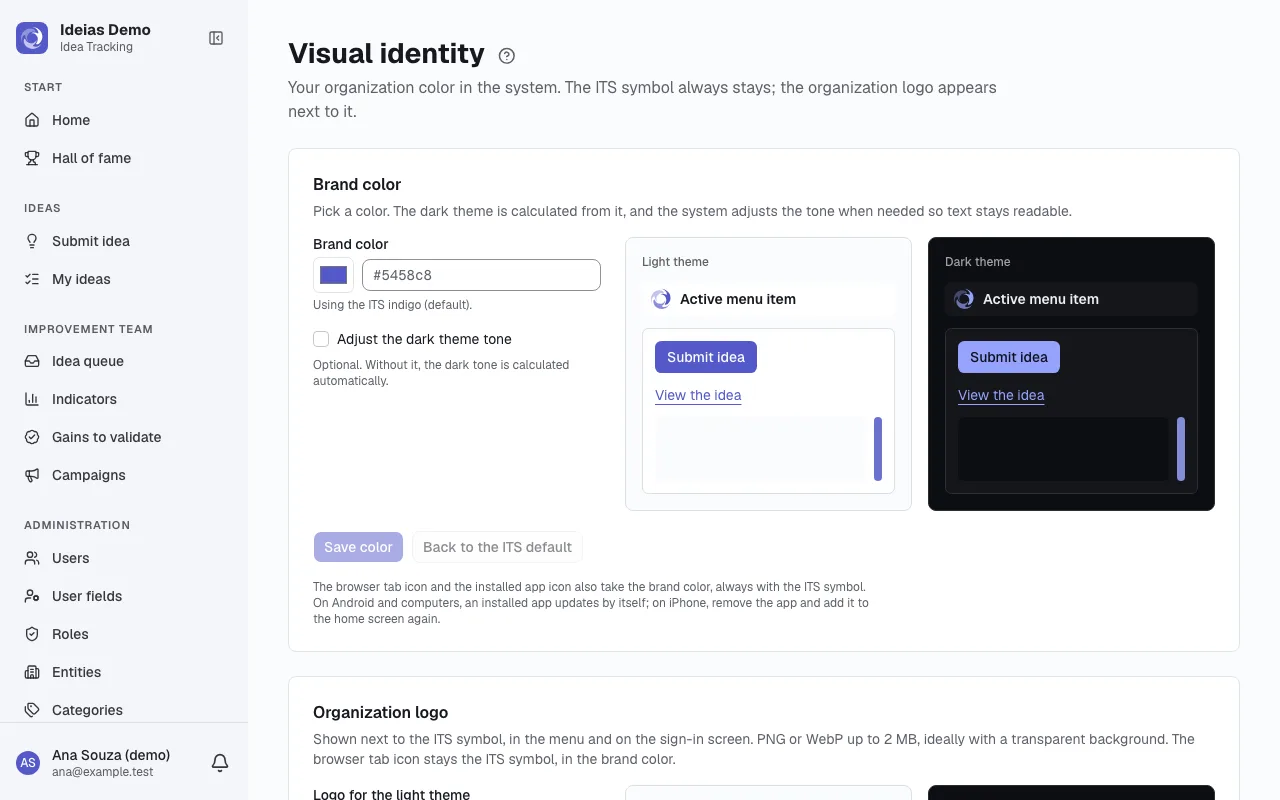
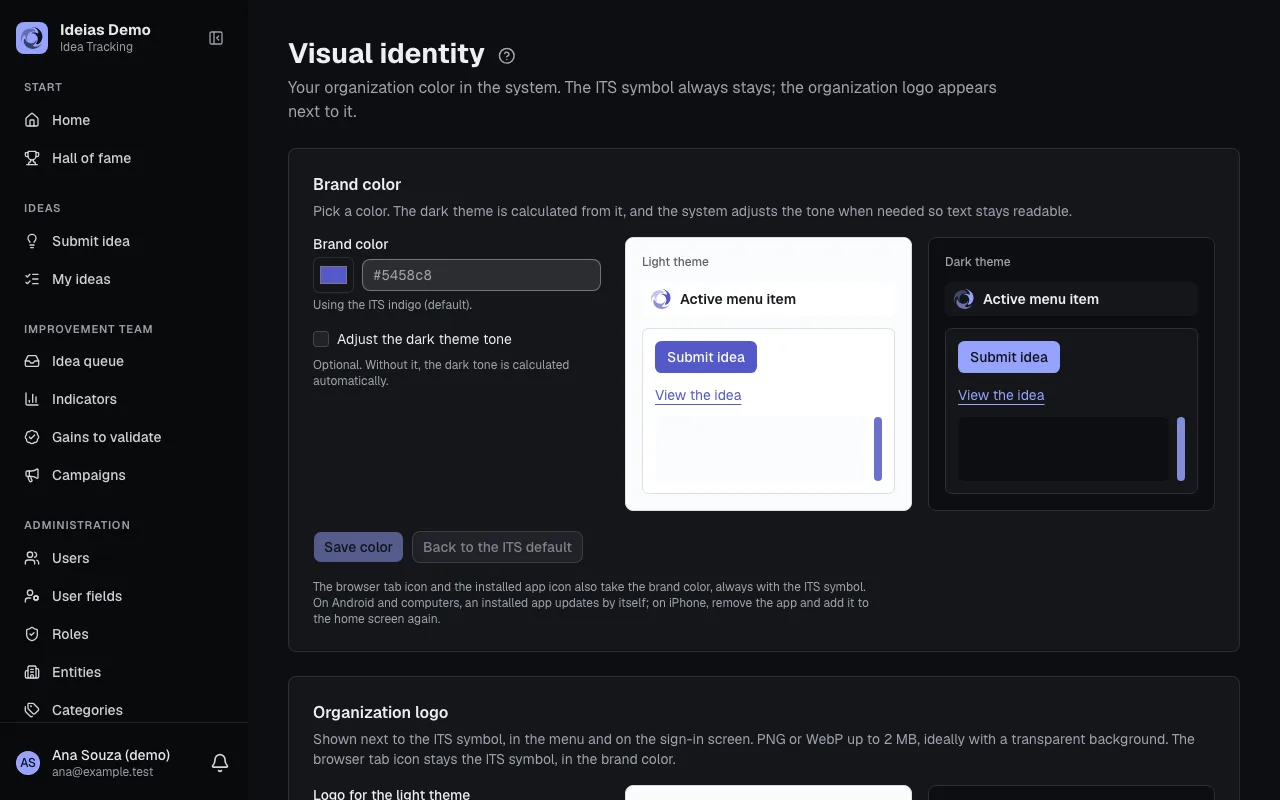
Recognition with respect
Points, Hall of fame, idea wall and points store, always with the consent of whoever appears.
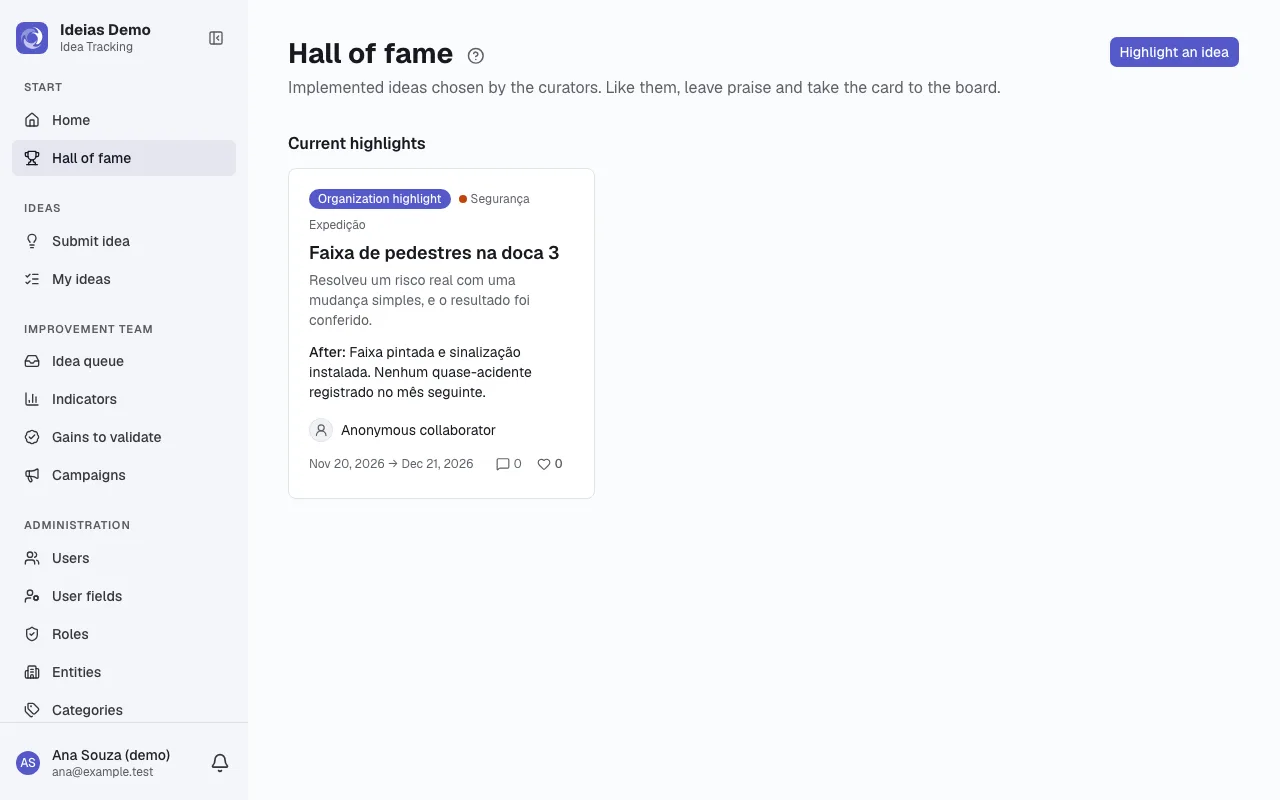
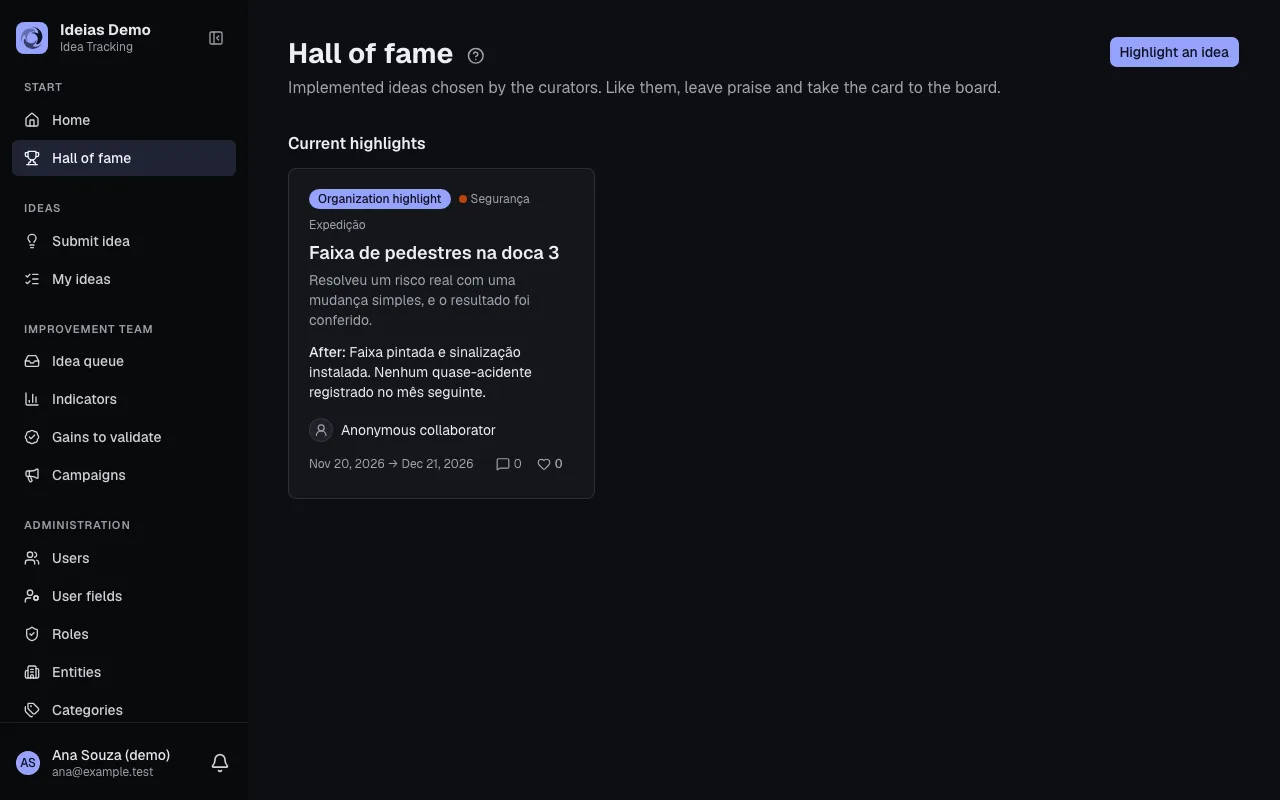
For IT
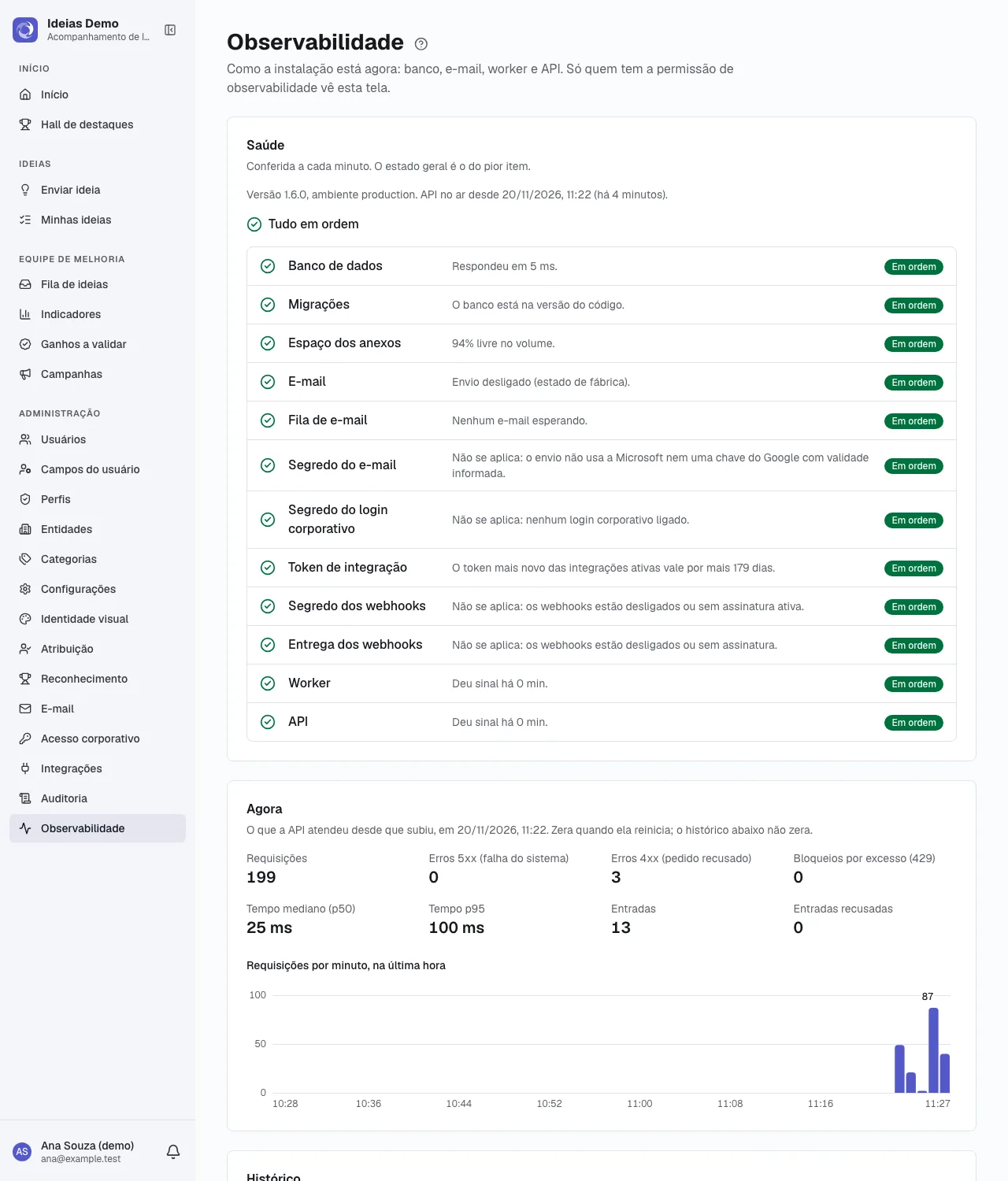
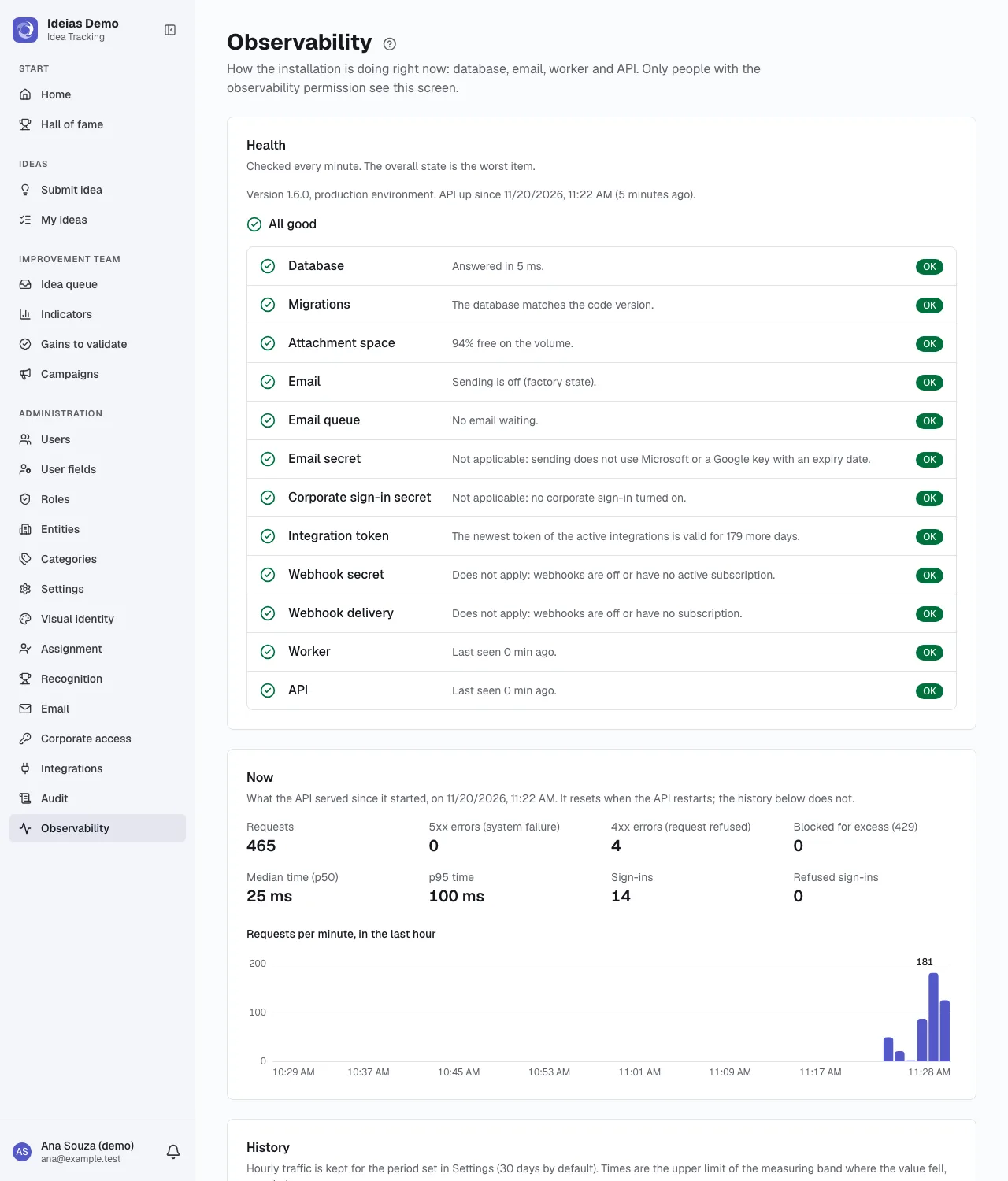
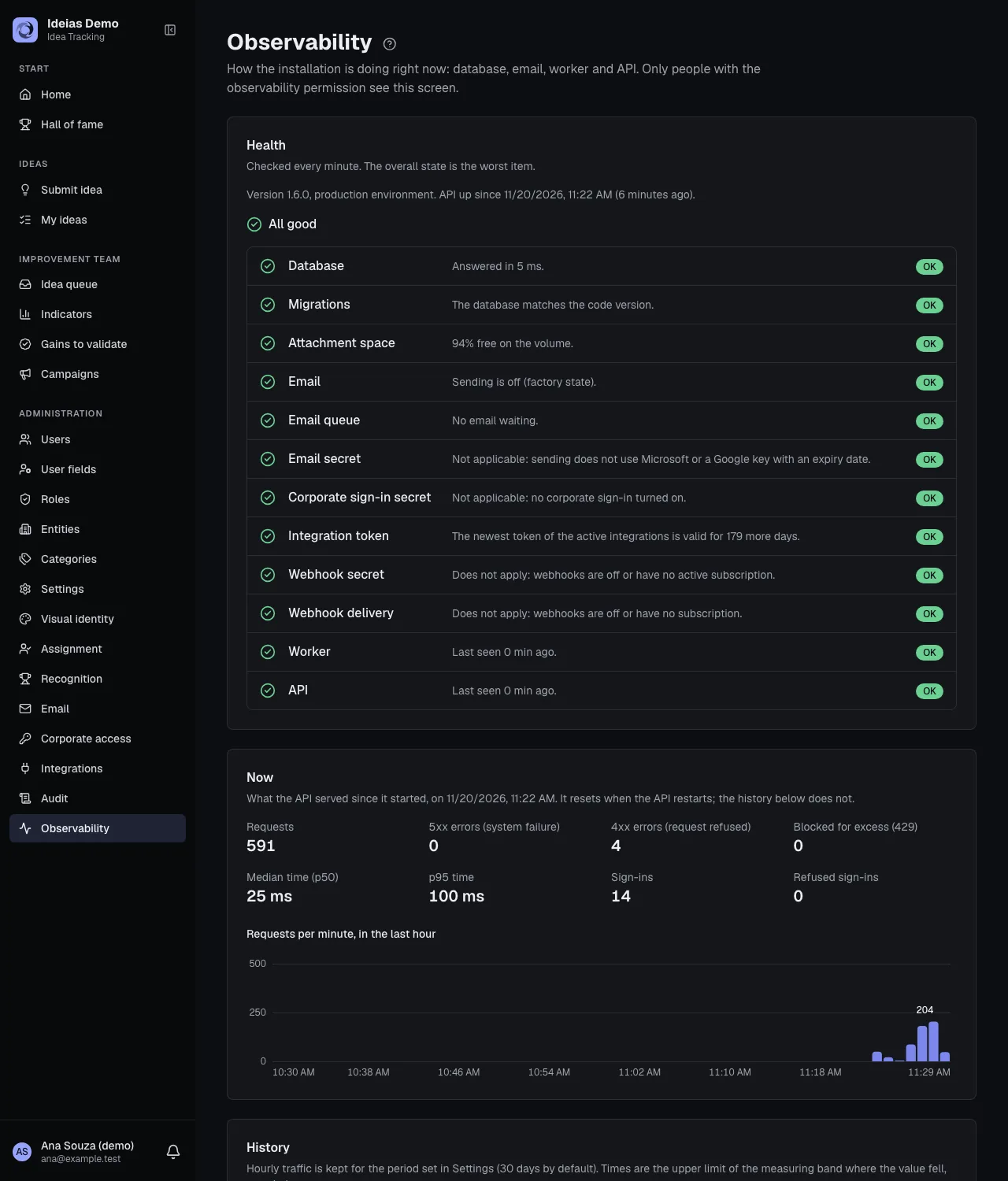
System health with alerts, plus an integration API and webhooks, off until someone turns them on.
Follow an idea along its way
Install in three steps
All you need is Docker with Compose v2. The images come ready.
01
Download the two files.
mkdir its && cd its curl -fsSLO https://raw.githubusercontent.com/IvanBelshoff/idea-tracking-system/main/docker-compose.yml curl -fsSL https://raw.githubusercontent.com/IvanBelshoff/idea-tracking-system/main/.env.example -o .env02
Fill in the .env.
Put the database password in POSTGRES_PASSWORD and a key for secrets in APP_SECRET_KEY. Without both, ITS does not start.
03
Start it and open it.
Run the command and open http://127.0.0.1:8080. The installation wizard creates the administrator account; there is no default user or password.
docker compose up -d
Free, and on your own server
Open source (MIT).
Use, adapt and distribute it without paying for a license, including commercial use.
On your infrastructure.
ITS runs on your server; the ideas data stays with your organization.
Ready-made images.
On GitHub and Docker Hub, for amd64 and arm64.
Portuguese and English.
In the interface and in the documentation, which has simulators to practice with.