Settings and identity
Deadlines, modules, names and colors change from one organization to another without touching the code. Every change is recorded in the audit log.
What goes in each Settings group?
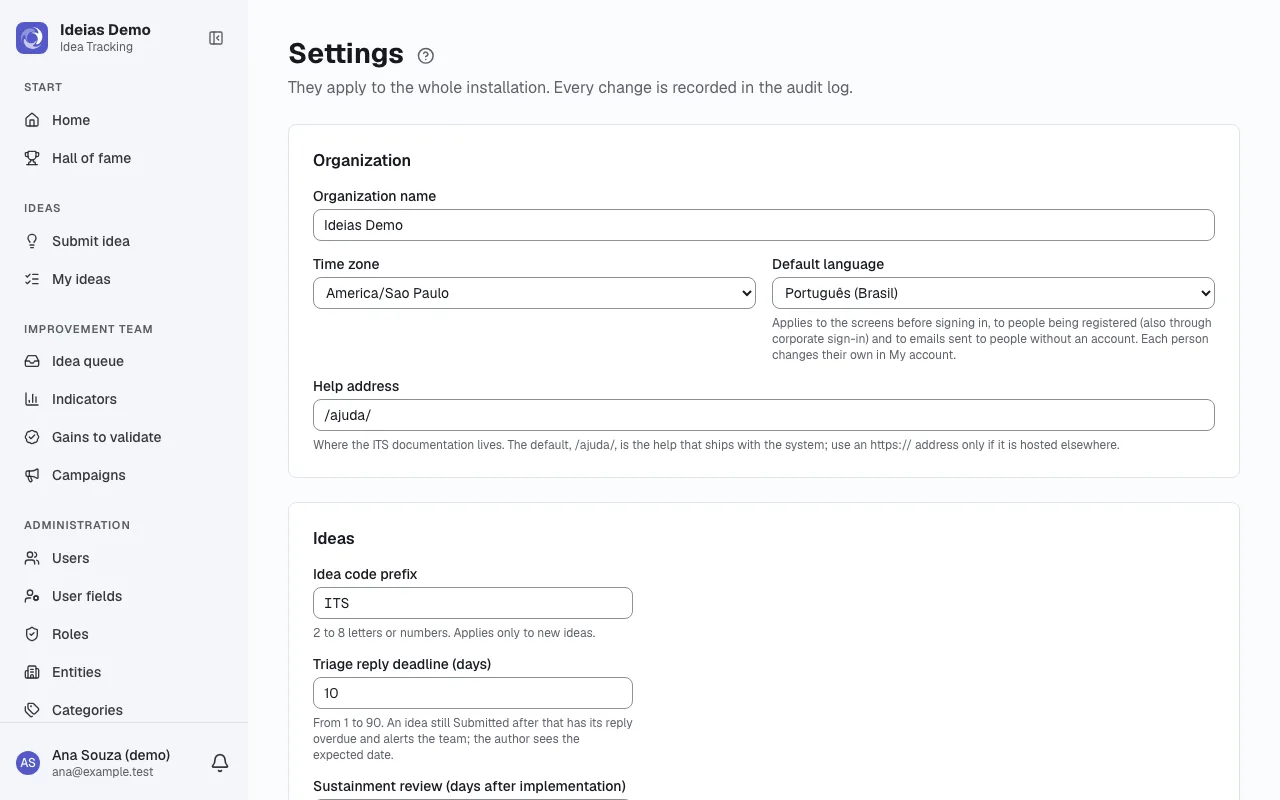
- Organization: name, time zone, default language and Help address. The default language applies to the screens before signing in, to people you register and to emails sent to people without an account; each person changes their own in My account.
- Ideas: code prefix, required category, triage reply deadline (10 days, for example, calendar or business days) and other submission rules. Automatic assignment is under Assignment; see how the team uses both in Queue and triage.
- Recognition (points and ranking) and Hall of fame: turn the modules on and adjust the rules.
- Idea wall: comes turned off. When it's on, Home becomes the wall, and the improvement team publishes ideas on it. See Publish and moderate the idea wall.
- Store: only turns on with recognition on. The balance validity is in months, and 0 means it never expires. See Manage the store and bonuses.
- Approval from other areas: what happens when someone doesn't approve (return to the analyst, the factory setting, or block), the confirmation code by email (off by default), whether approvers with an email outside the company domains are accepted, and the default deadline. See Request approval from another area.
- Steps and attachments: how progress is calculated (by steps or by time) and the attachment types and size.
- Public lookup and profile photo: turn public lookup on and set the photo size.
- Notifications and email: how many days ahead deadline notifications go out, the daily summary time and the system address used in links.
- Passwords and access: password policy, attempts, lock, password link validity and session length, which is shorter for people who sign in with Microsoft or Google. Corporate sign-in itself is under Corporate access.
Which modules can I turn off?
Points, levels, achievements, ranking, likes, the Hall, the idea wall, the store and public lookup. The rest of ITS works without them, and nobody sees what's turned off.
How do I give ITS my organization's look?
In Visual identity, choose the Brand color (ITS calculates the dark theme and, if needed, adjusts the tone so text stays readable), upload the Organization logo, which shows next to the ITS symbol, and choose the interface Font. The sign-in screen is there too, with its own layout, background (color, image or video) and texts. See Customize the sign-in screen.
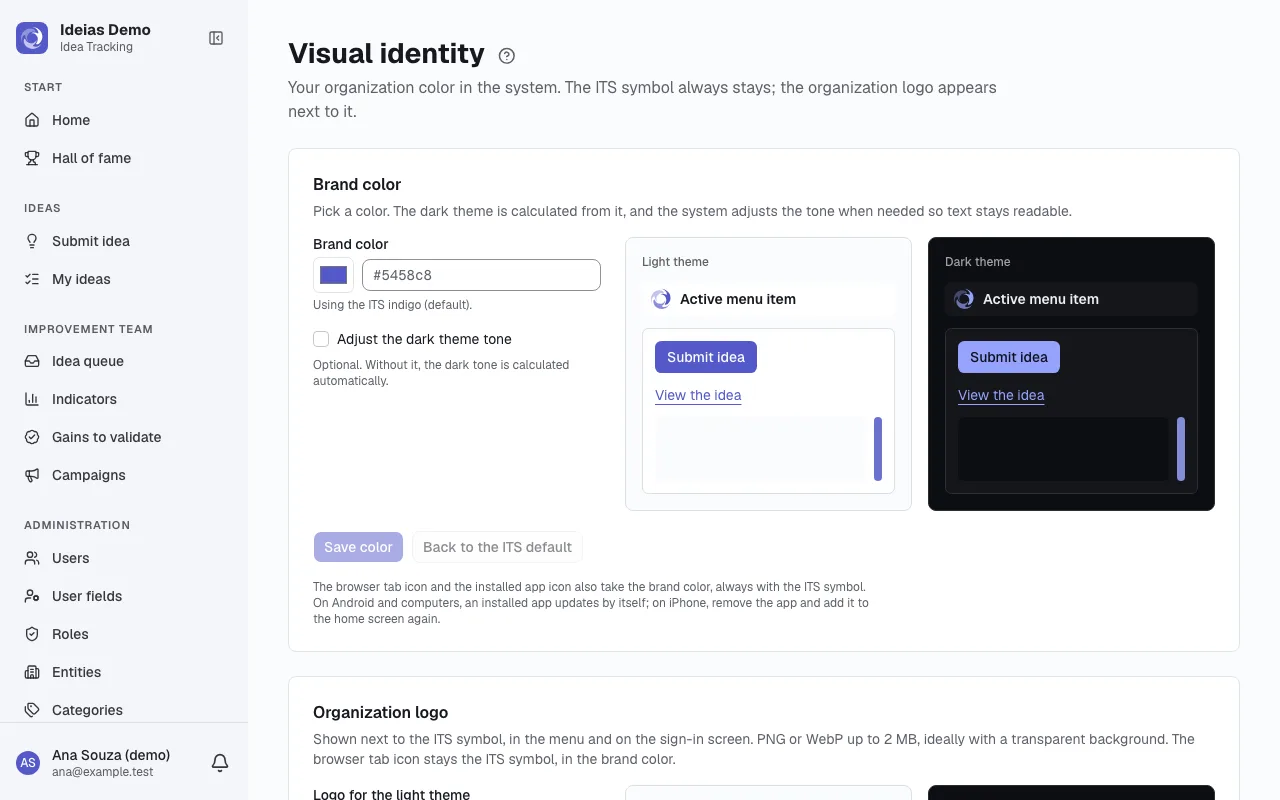
With Let each person choose the color and font of their own screen turned on (it comes off), each person chooses in My account one of 8 colors checked for readability and one of the 4 fonts. The logo, PDFs, emails and public screens keep the organization's identity.
What if the Help is at another address?
By default, the Help lives at /ajuda/, on the same address as ITS. If it's hosted somewhere else, enter the path or an https:// address in Settings > Organization > Help address.